Our
features
Never written a manual before? No problem. Show your screen once, talk while you do it, and ShowMeWise writes the guide. Stuck on a website? Your pet shows you where to click.
What matters to you, matters to us
Your screen recordings show how your work is done. They should stay yours.
Free
No price, no subscription.
No account
Open the website and start.
Private
Your recording stays on your computer.
Open code
The code is on GitHub for anyone to read.
THE WEBSITE · RECORD
Record once. Get a guide.
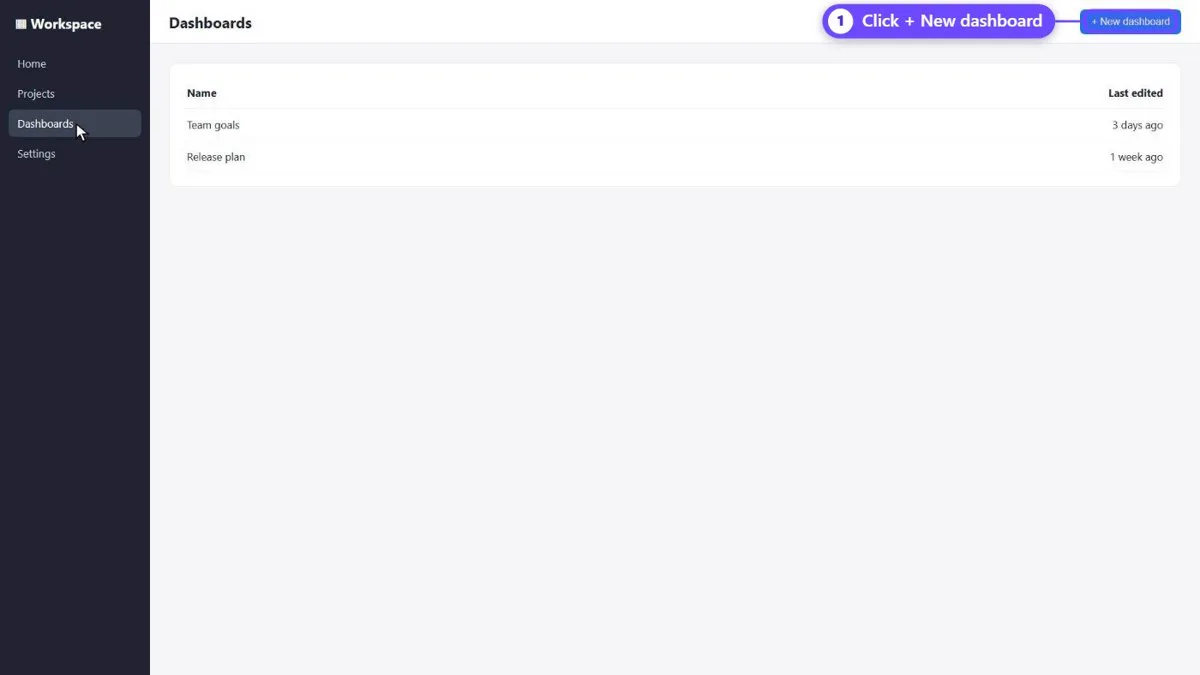
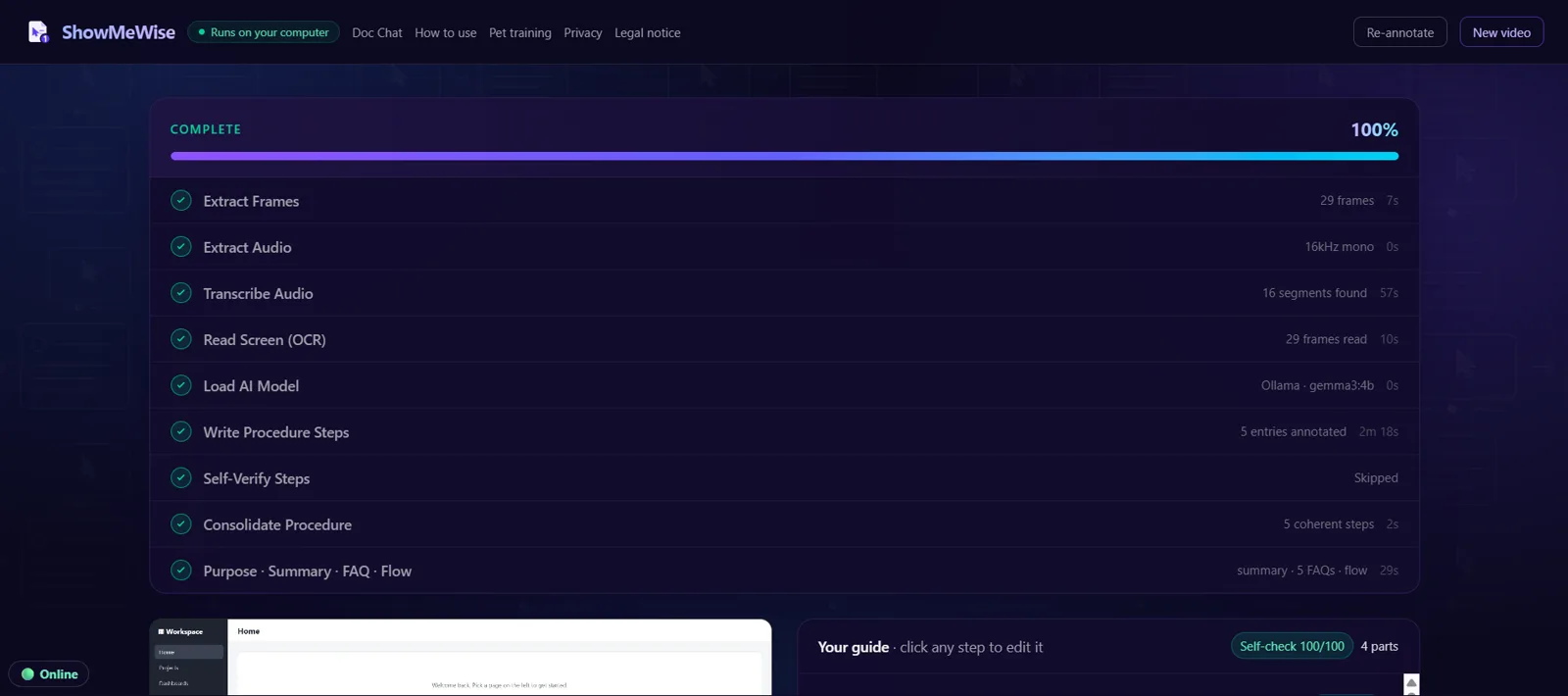
Record the whole screen, one window or a tab and explain what you do, or drop a video you already have. ShowMeWise listens, reads the screen and writes numbered steps, with every click marked beside it.
THE WEBSITE · YOUR GUIDE
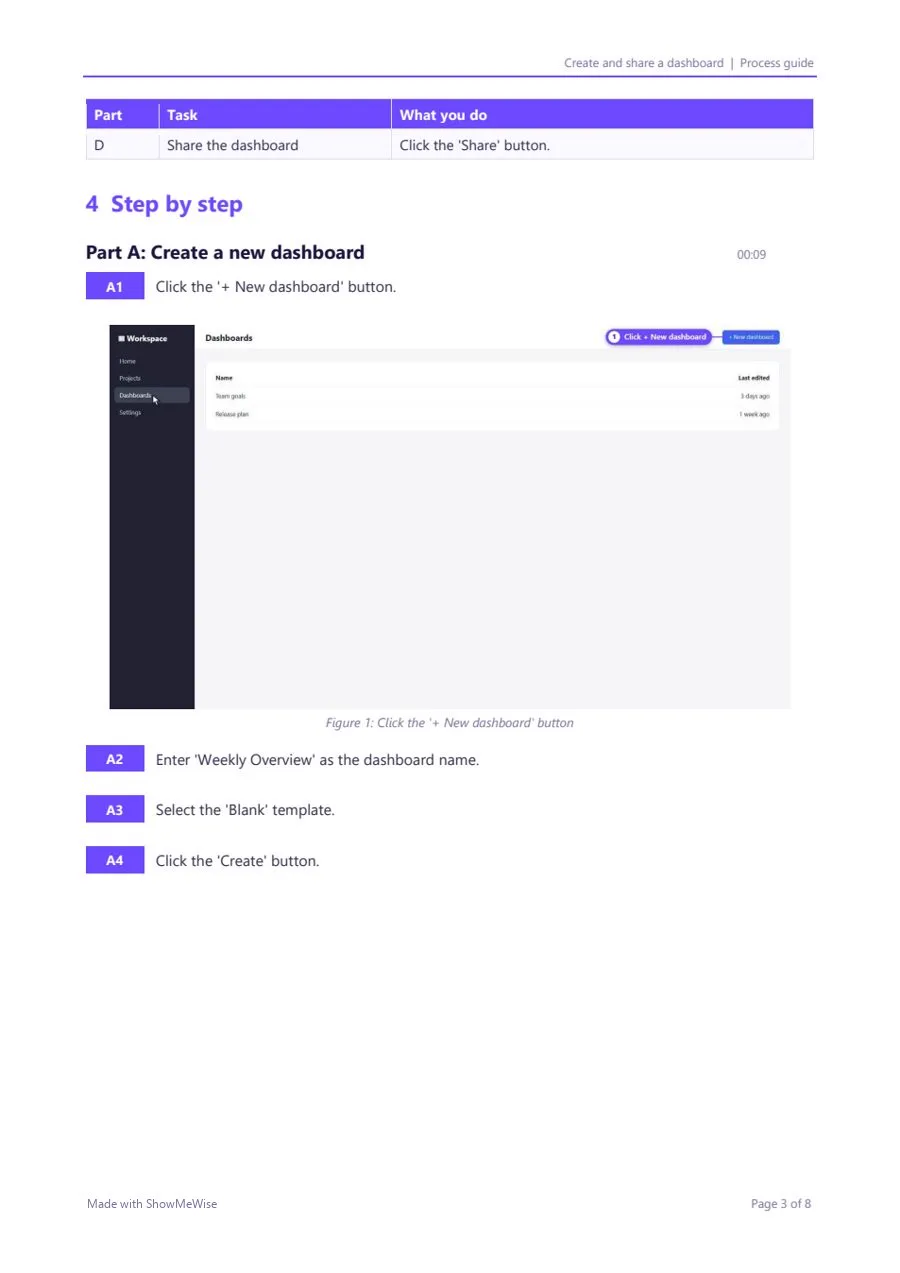
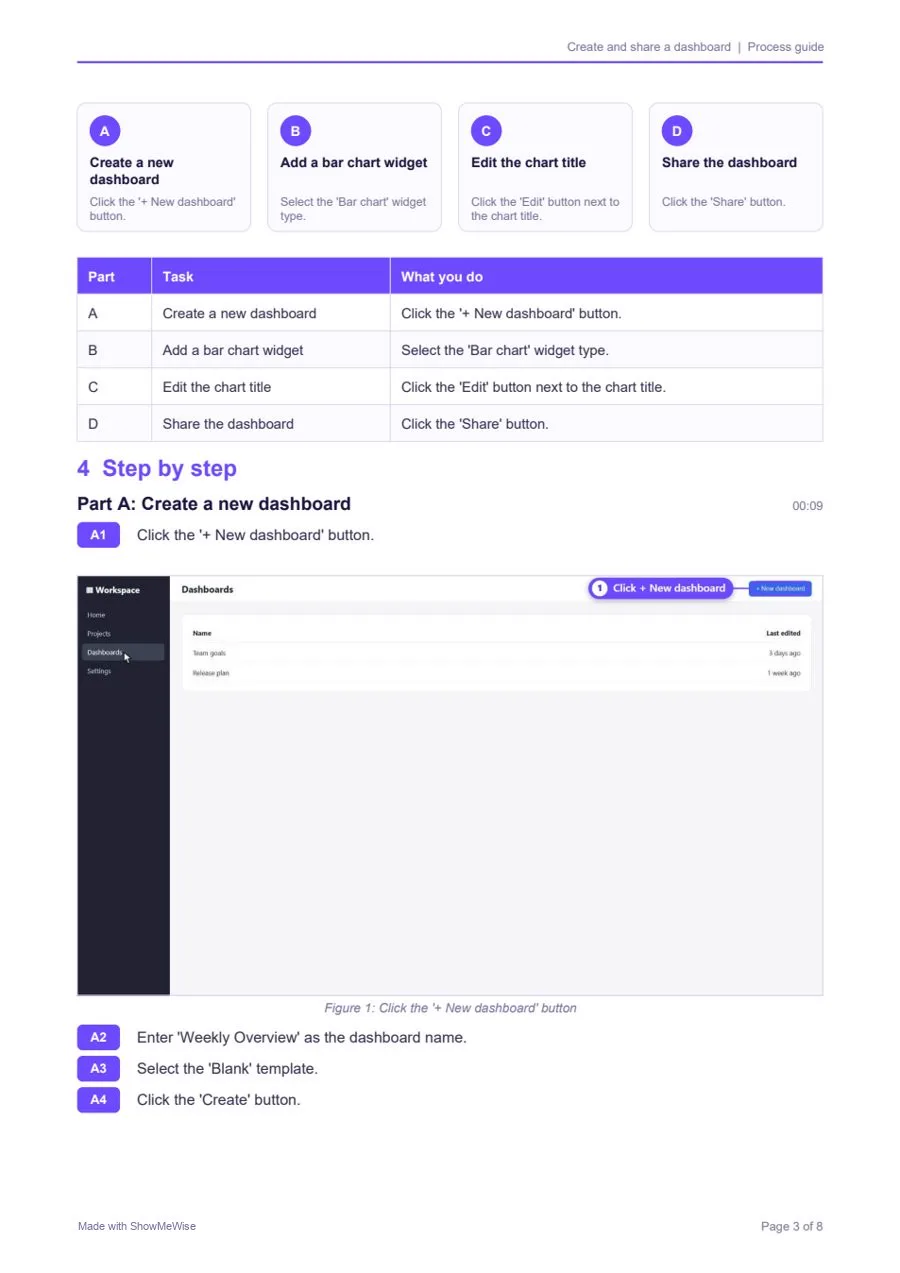
A guide you can fix and share
Change, add or remove any step. You also get a checklist, questions and answers and a flow chart. Save it as a web page, a PDF or a Word file.
THE WEBSITE · ASK
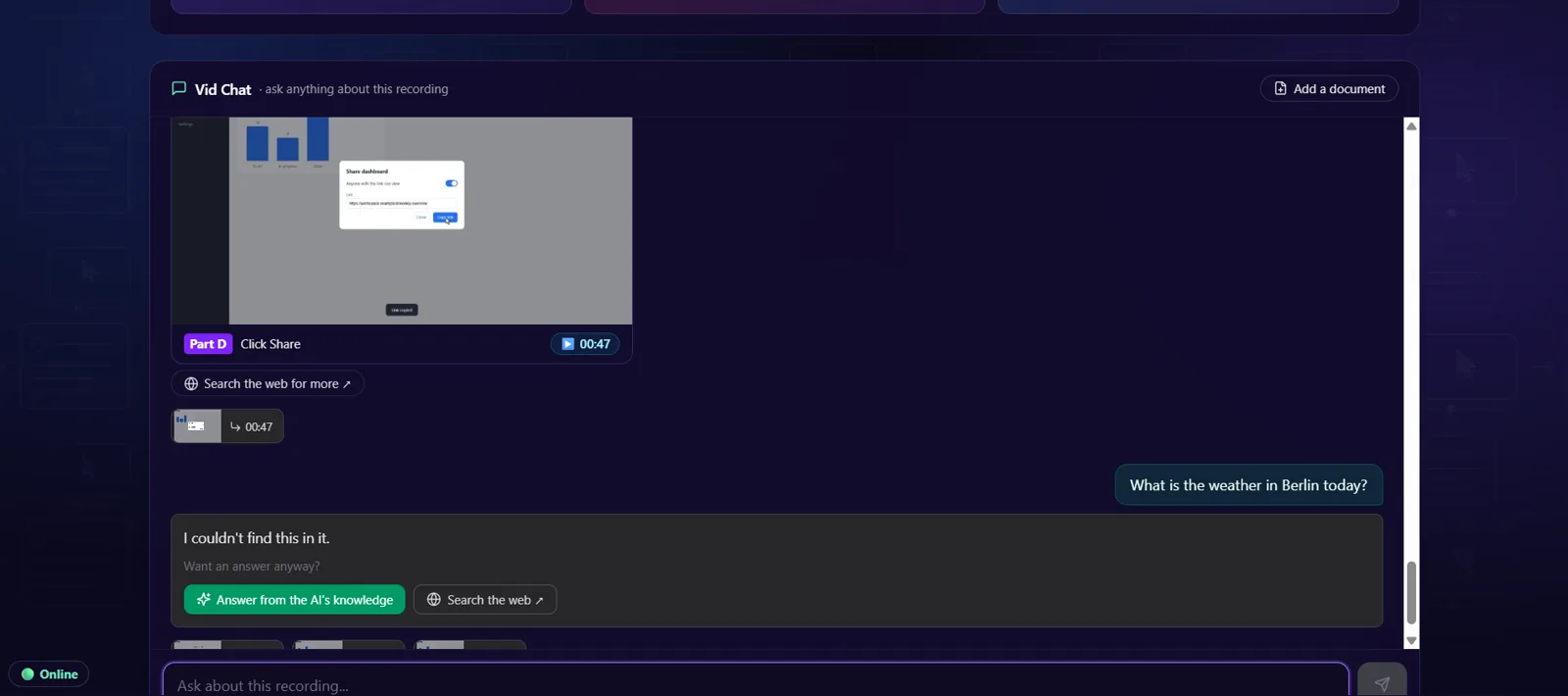
Ask your video. Ask your document.
Vid Chat answers questions about your recording and jumps to the right moment. Doc Chat answers from a PDF, Word file, web page or text, and shows where each answer comes from.
THE PLUGIN · ON EVERY PAGE
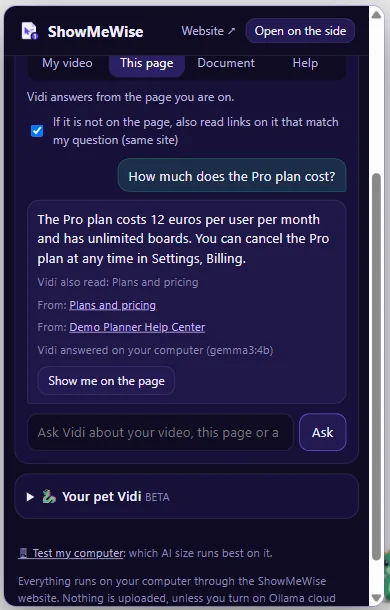
Lost on a website? Ask.
With the free plugin for Chrome and Edge, Vidi answers from the page you are on. Press Show me, and it marks the right button with a number. It never clicks for you.
THE PLUGIN · YOUR PET (BETA)
Meet your pet
A dragon, wolf, cat, fox or owl, in the colour you like, with the name you give it. Or your own picture. It sits at the edge of your pages and moves out of the way.
YOUR PET CAN
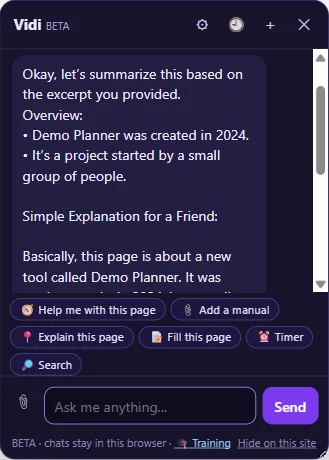
Explains any page
Ask “explain this page” and get the short version in plain words.
YOUR PET CAN
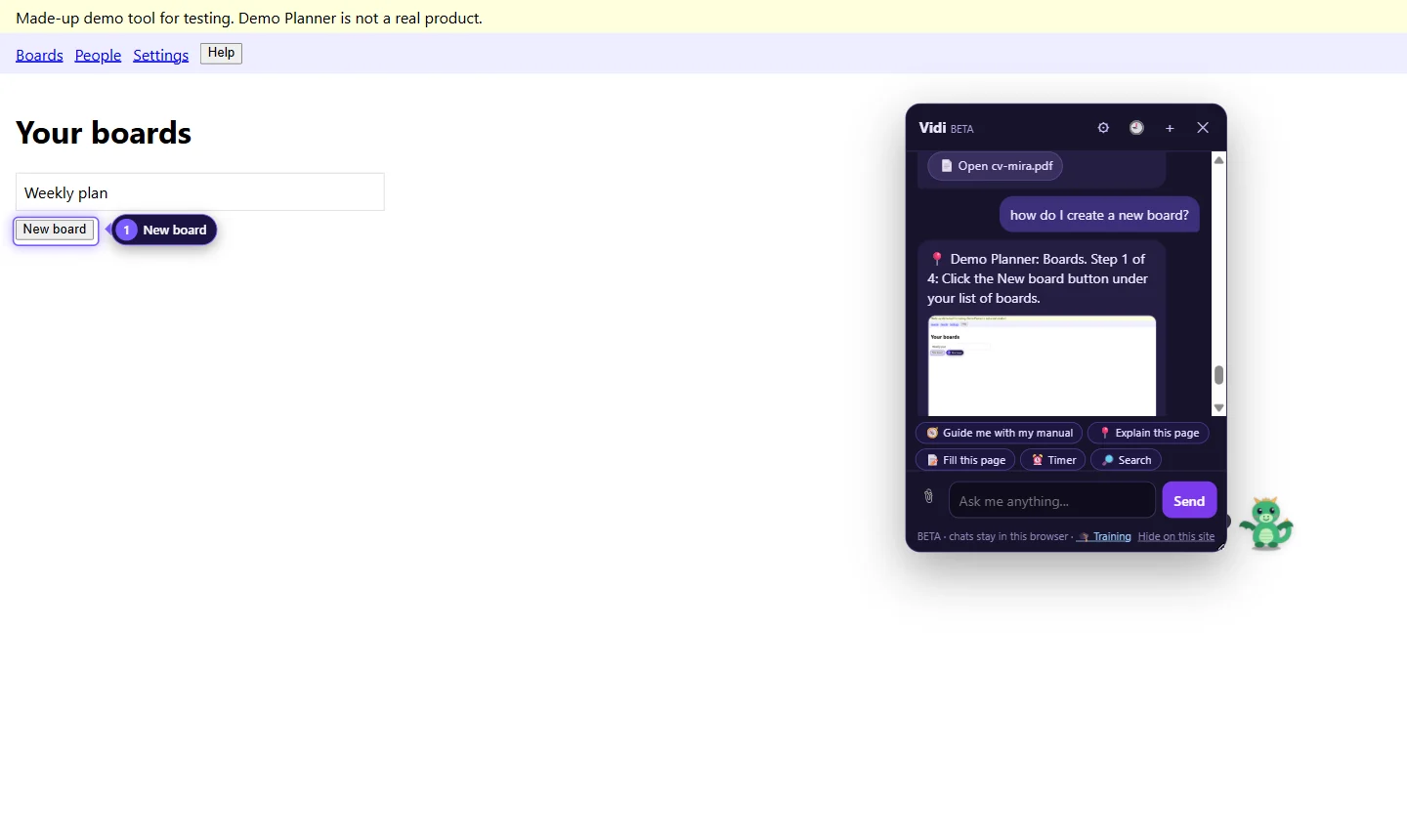
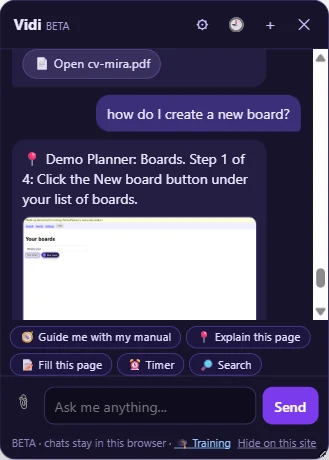
Guides you step by step
Give it a manual and ask how. It marks one step at a time on the real page. It never clicks for you.
YOUR PET CAN
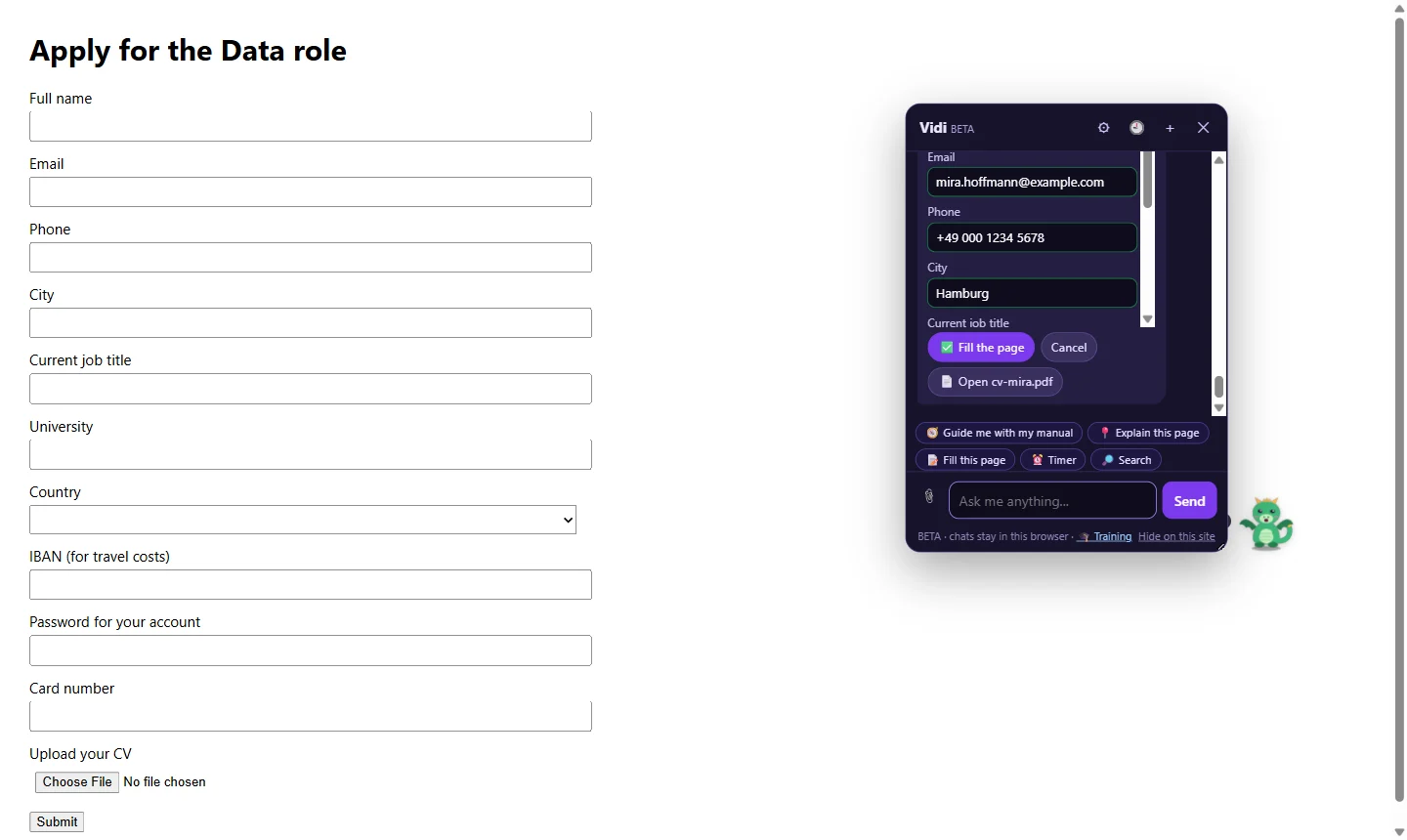
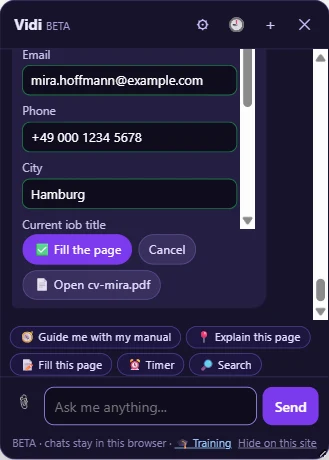
Fills forms from your CV
Give it your CV once. It fills the form for you to check. Never passwords, never Submit.
YOUR PET CAN
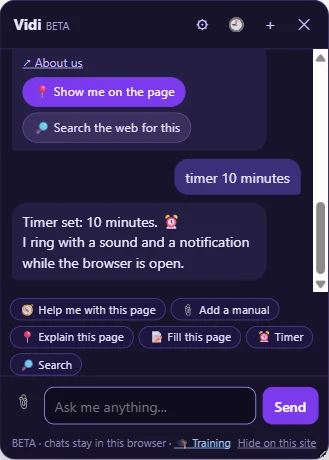
Timers and reminders
Say “timer 10 minutes” or “remind me at 17:00”. It rings with a sound.
YOUR PET CAN
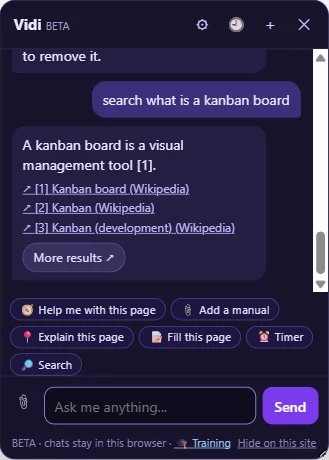
Searches the web
Ask anything. Get a short answer with links to the sources.
YOUR PET CAN
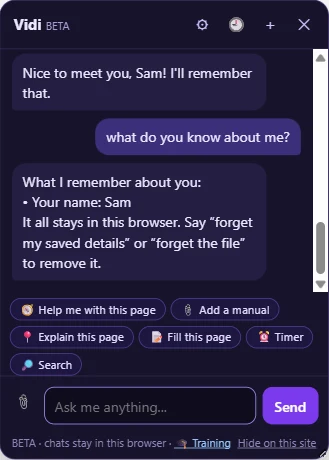
Remembers you
Tell it your name. Ask what it knows about you, and delete it any time.
YOUR PET CAN
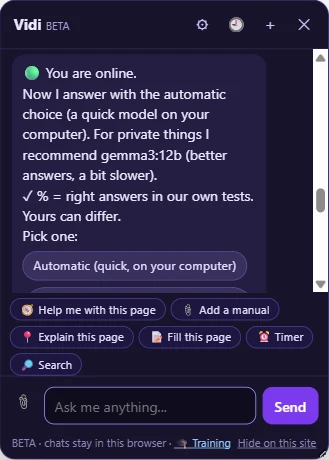
Online or offline
Uses the free cloud AI when you are online, and the AI on your computer when you are not.
YOUR AI, YOUR CHOICE
Three ways to run the AI
💻 On your computer
Ollama runs it privately and works without internet. Needs 8 GB of memory; 16 GB is better.
☁️ Gemma 4 in Ollama’s cloud
Fast on any computer. Free with a monthly limit; needs internet. One click to add.
🌐 In the browser
Nothing to install, for the website’s guides in Chrome or Edge. Smaller and slower. The pet uses Ollama.
No internet, or the free cloud limit used up? The AI on your computer takes over by itself.
Works where you work
The website works in Chrome, Edge and Firefox on Windows and Mac; the plugin in Chrome and Edge. Phones are not supported: the AI needs a computer.